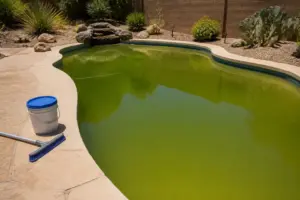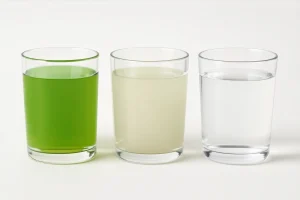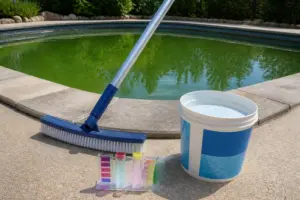
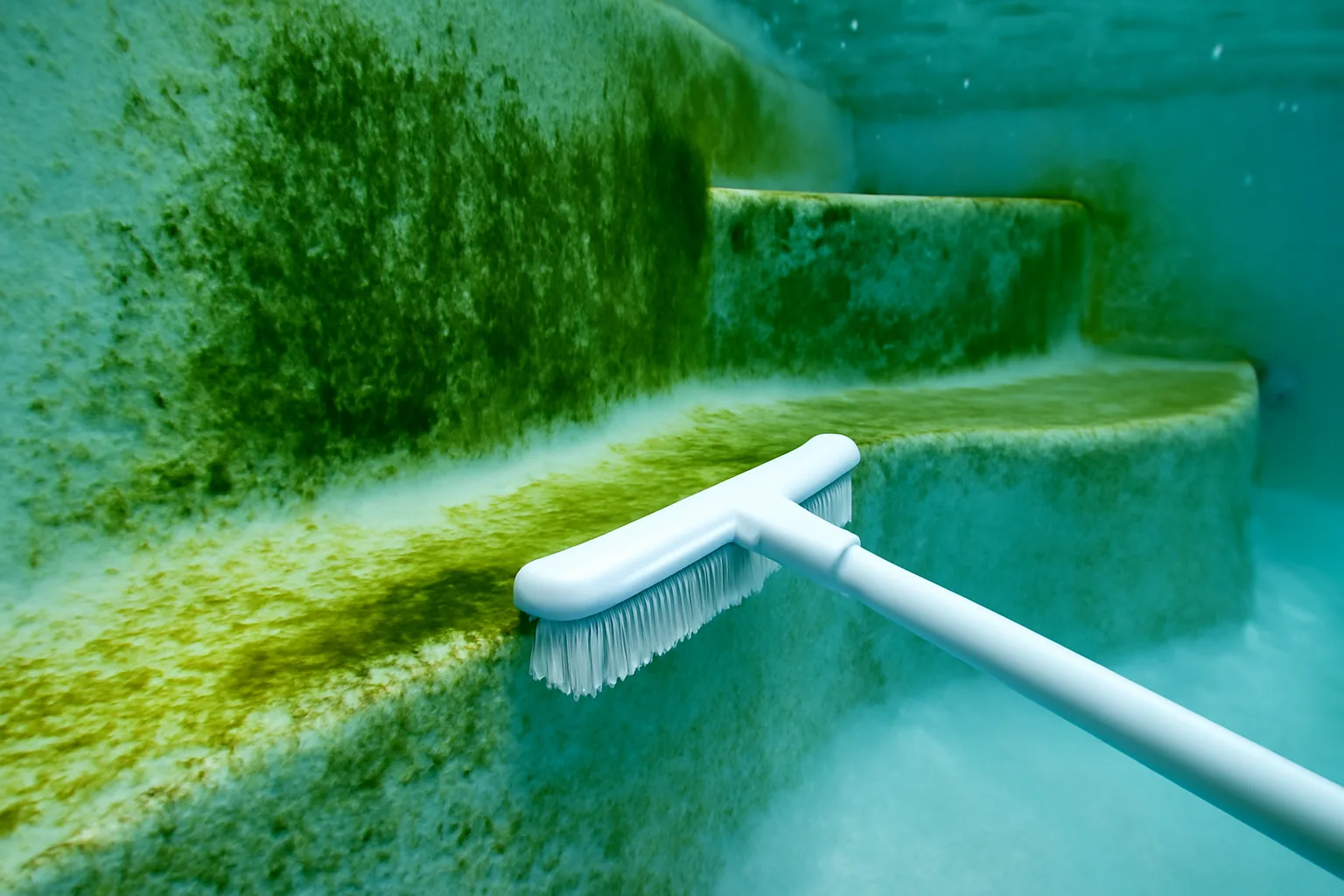
A resort property contacted me in distress last summer after their maintenance team had shocked the water three separate times within fourteen days. They’d scrubbed surfaces, run extended backwash cycles, and introduced algaecide in quantities that seemed excessive even for a serious bloom. The greenish cast remained stubbornly present. Recognizing this pattern? When your algae treatment efforts repeatedly disappoint, I’d wager there’s a crucial factor hiding in plain sight — and it probably isn’t your free chlorine reading.
Phosphates operate as invisible fertilizer for algae colonies. The vast majority of pool operators skip testing for them altogether. Instead, they respond by cycling through more chemicals, re-fighting the identical battle month after month, left baffled about why interventions fail. Throughout my career managing water systems across Arizona, Nevada, and California — everything from destination resorts to community associations to individual residential estates — phosphate-driven “mystery algae” scenarios consistently rank among my most frequent diagnostic calls throughout the season.
This article breaks down phosphate chemistry, traces their entry points into pool water, provides testing protocols you can implement immediately, and reveals elimination techniques. Consider this the guidance I’d counsel every frustrated pool operator to review before writing another check for shock that won’t address their underlying condition.
What Are Phosphates and Why Do They Matter?
Phosphates belong to a class of inorganic substances — specifically orthophosphates in most pool scenarios — that dissolve readily and deliver concentrated nutrition for algae proliferation. Algal growth requires a trio of conditions: light exposure, carbon dioxide, and nutrient availability. Phosphate functions as that critical nutrient element. Deprive algae of phosphate, and colonization becomes difficult. Supply abundant phosphate, and even chlorinated pools transform green because algae populations consume your sanitizer faster than replenishment can occur.
Here’s what throws most operators off: phosphates generate zero visible disturbance in water clarity or odor profiles. No warning signs appear until algae has already claimed dominance. Your water could contain 1,000 ppb of phosphate while appearing flawless — that transparency vanishes rapidly once temperature climbs above 80°F and chlorine residual slips temporarily. The water has been compromised for weeks; you simply couldn’t see the vulnerability.
Industry consensus, including guidance from APSP (Association of Pool and Spa Professionals) documentation, targets phosphate concentrations below 100 ppb. Across my years operating systems in the desert Southwest, readings regularly surfaced between 500 and 2,000 ppb in properties battling recurring algae. That concentration band represents a condition exceeding what chlorine’s oxidizing power can manage independently.
Where Phosphates Come From (The Sources Will Surprise You)
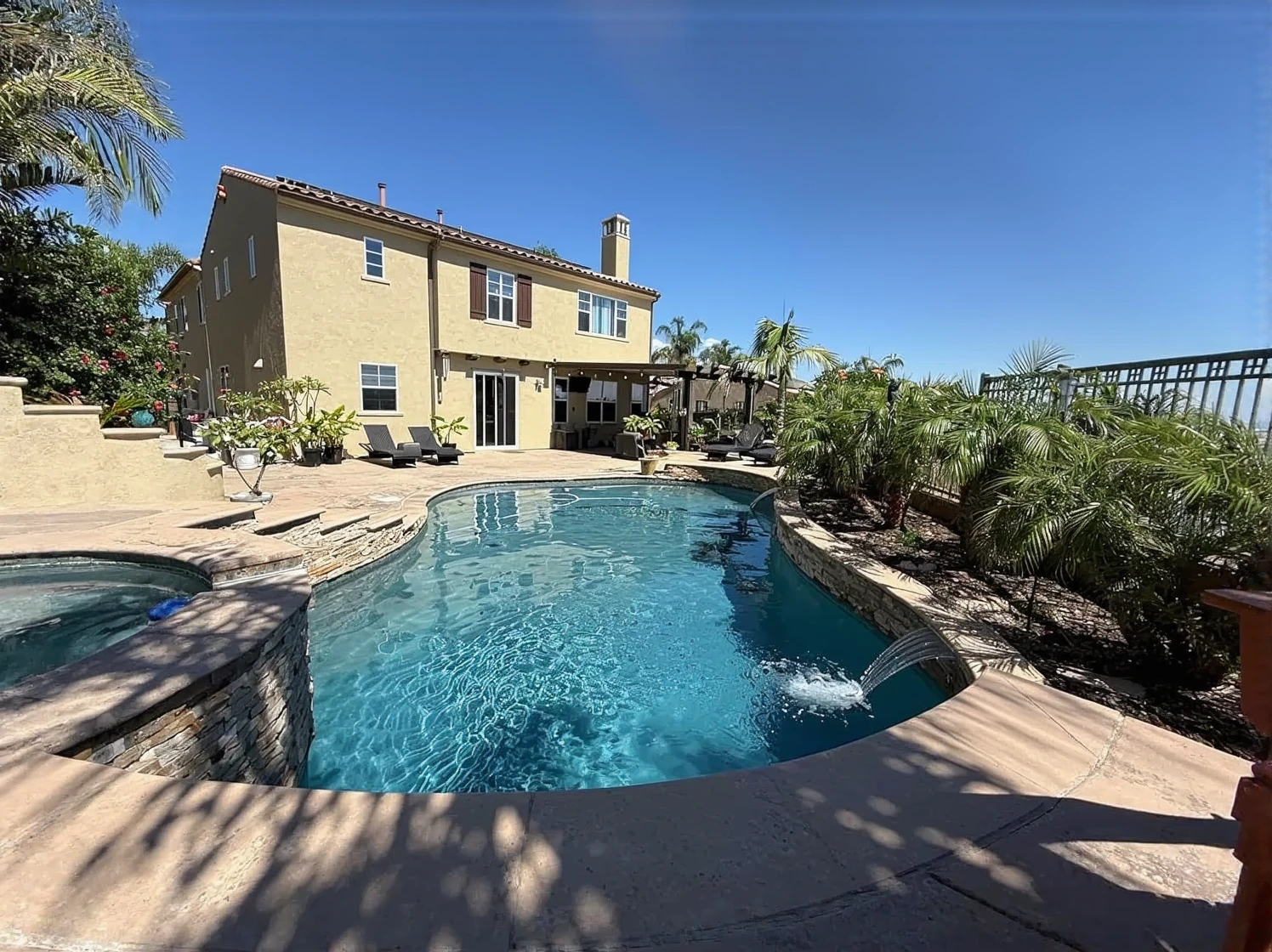
Early in my career, one experience taught me this lesson permanently. A client’s pool turned green every two weeks without fail, yet every baseline parameter — pH alignment, alkalinity stability, residual chlorine concentration — matched the textbooks exactly. I shifted my investigation away from chemical adjustments toward what the environment contributed. The answer emerged from their landscaping contractor’s weekly lawn fertilization regimen, which featured a phosphate-heavy formulation running off directly into the pool basin.
Multiple pathways introduce phosphates into pool environments, far exceeding what most residential operators assume. I’ve catalogued the dominant contributors throughout my field experience:
- Fertilizer applications and yard runoff — lawn and garden products with elevated phosphorus ratios represent a major pathway
- Municipal water supplies used for fill — many public systems add phosphate-based corrosion inhibitors at concentrations ranging from 200–400 ppb before water enters your system
- Biological contributions from swimmers — perspiration, body oils, sunscreen formulations, and urine introduce phosphate compounds with each visitor
- Decomposition of organic materials — fallen foliage, wind-blown pollen, grass fragments, and dead insects break down and release phosphate content
- Certain proprietary pool treatment products — iron stain treatments, metal sequestrants, and water clarification additives sometimes incorporate phosphoric acid formulations
- Copper-containing algae suppressants — paradoxically, several copper-based products use phosphate as an ingredient to improve dispersal characteristics
After isolating the landscaping variable with that property, we restructured the fertilizer schedule and integrated a phosphate-removal product into their routine maintenance. The perpetual algae pattern vanished within months. That turning point fundamentally altered my diagnostic methodology from that point forward.
Pool Algae Phosphate Removal: How to Test and Treat
Step 1 — Test Your Phosphate Levels
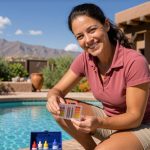
Conventional test strip packs lack phosphate detection capability. Diagnosis requires a phosphate-specific testing instrument. I standardize on the LaMotte ColorQ or Taylor K-1106 across professional installations — both deliver reliability to approximately 100 ppb detection thresholds. Homeowners can access Pentair AquaChek phosphate test strips, which perform adequately and cost roughly $15–$20 per bundle. During active swimming months, monthly testing represents my baseline protocol. Increase frequency if bather traffic peaks or landscaping sits adjacent to pool structures.
Draw your sample at mid-depth zones, positioned away from circulation return locations. Complete testing within a 30-minute window for optimal accuracy. Results exceeding 100 ppb warrant treatment consideration. When readings climb above 500 ppb, address phosphate levels before pursuing additional algae-focused interventions.
Step 2 — Choose the Right Phosphate Remover
Phosphate removers employ a precipitation mechanism to function. Active agents — typically lanthanum chloride or alternative rare earth formulations — chemically bind dissolved phosphate particles and transform them into filterable solids. This chemistry operates independently from sanitization and algae targeting. Its singular purpose centers on nutrient elimination, and its effectiveness appears remarkable when application follows specifications.
Appropriate dosage calculations depend on your existing phosphate concentration and total water volume. Representative lanthanum products operate at dosing rates of roughly 32 oz per 10,000 gallons for each 1,000 ppb phosphate reduction target. Consult individual product directions and your measured test value for precision. Excessive application can produce turbidity complications and filter loading stress — a situation I’ve witnessed when operators attempt accelerated correction timelines.
The Phosphate Remover That Finally Stopped the Algae Cycle
Sanitizer application and algae-killing compounds can’t complete the mission independently—not when phosphate molecules continue feeding the underlying problem. A specialized phosphate-elimination product addresses the foundational cause that oxidizers cannot touch, severing the pattern that traps your pool in perpetual green-water conditions.
What works
- Brings visible water clarity back within two to three days, reversing deterioration even when conventional remedies have failed multiple times
- Integrates seamlessly with your existing chlorine maintenance schedule without forcing a complete water exchange or chemistry reset
- Eliminates algae regrowth potential by removing the nutritional foundation they depend on—which means reduced shock frequency and decreased algaecide consumption over subsequent weeks
What doesn’t
- Results require patience and precise measurement—shortcutting the testing process leaves you uncertain whether treatment actually succeeded or failed
- Severely contaminated pools may demand a follow-up dose 5–7 days following initial application, raising cumulative expenses if phosphate sources persist or incoming water carries high baseline concentrations
I was skeptical the first time I used it—I’d already sunk money into three rounds of shock, and I was half-convinced my pool was just cursed. But once I got my phosphate level down below 100 ppb with Natural Chemistry Phosfree (3L), the algae finally gave up.
This post contains affiliate links. As an Amazon Associate, I earn from qualifying purchases at no extra cost to you.
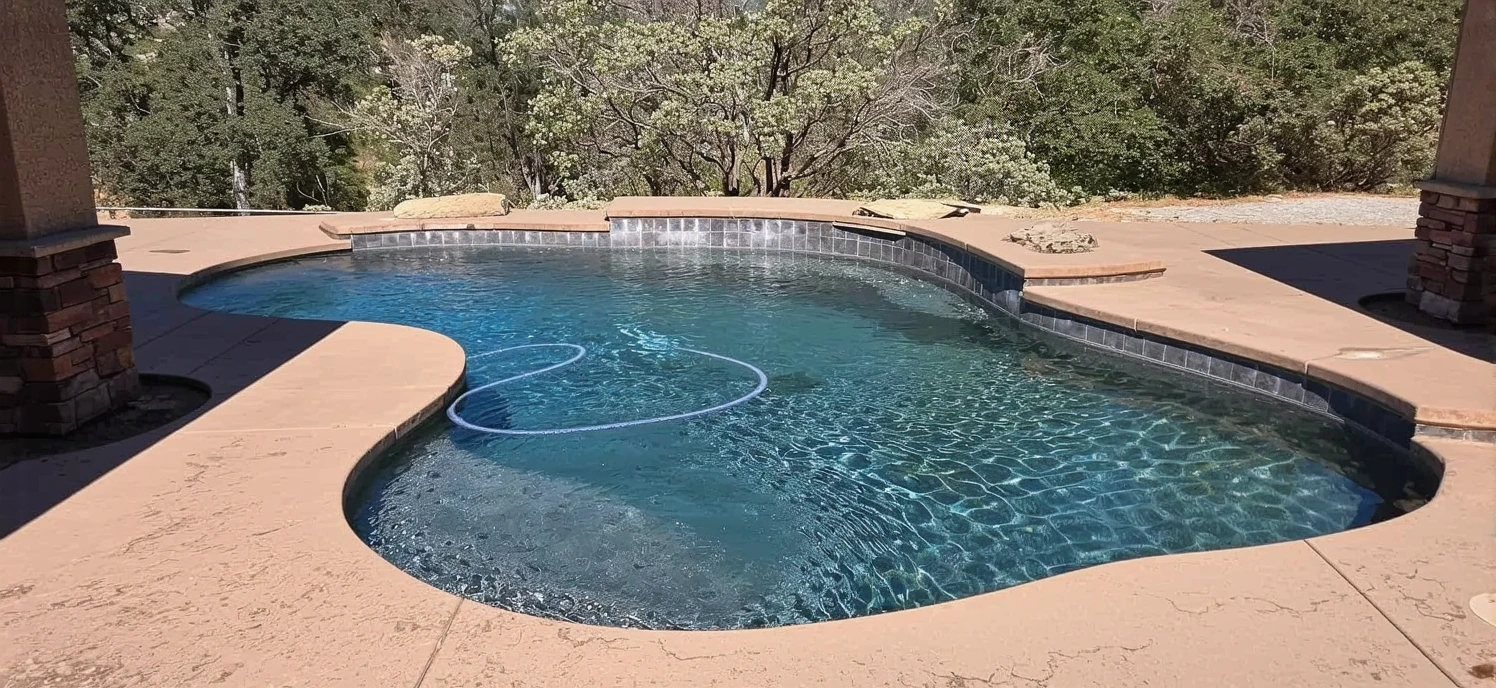
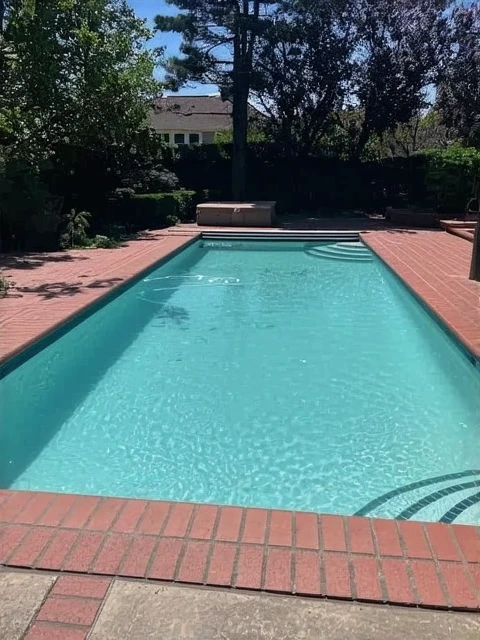
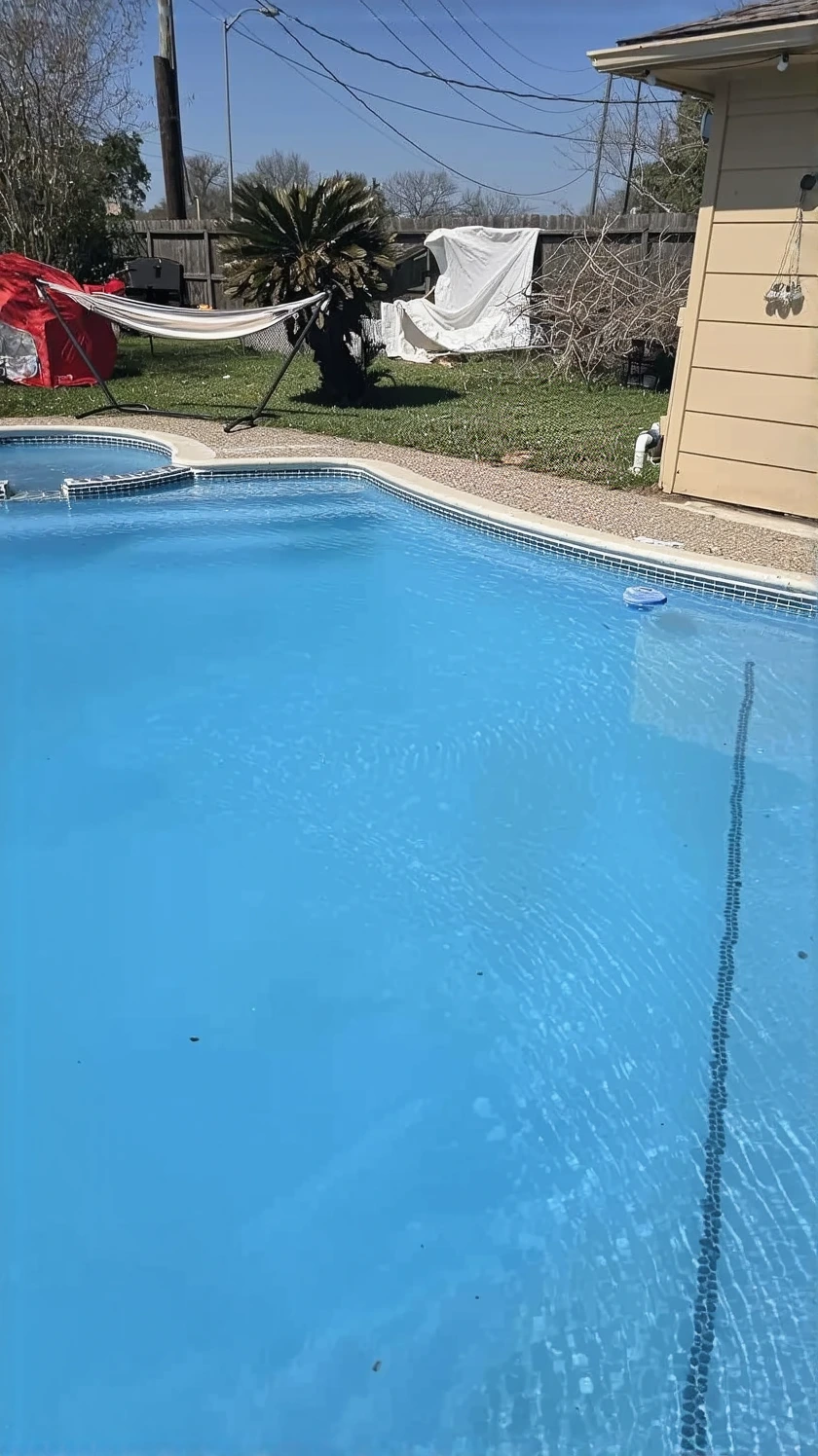
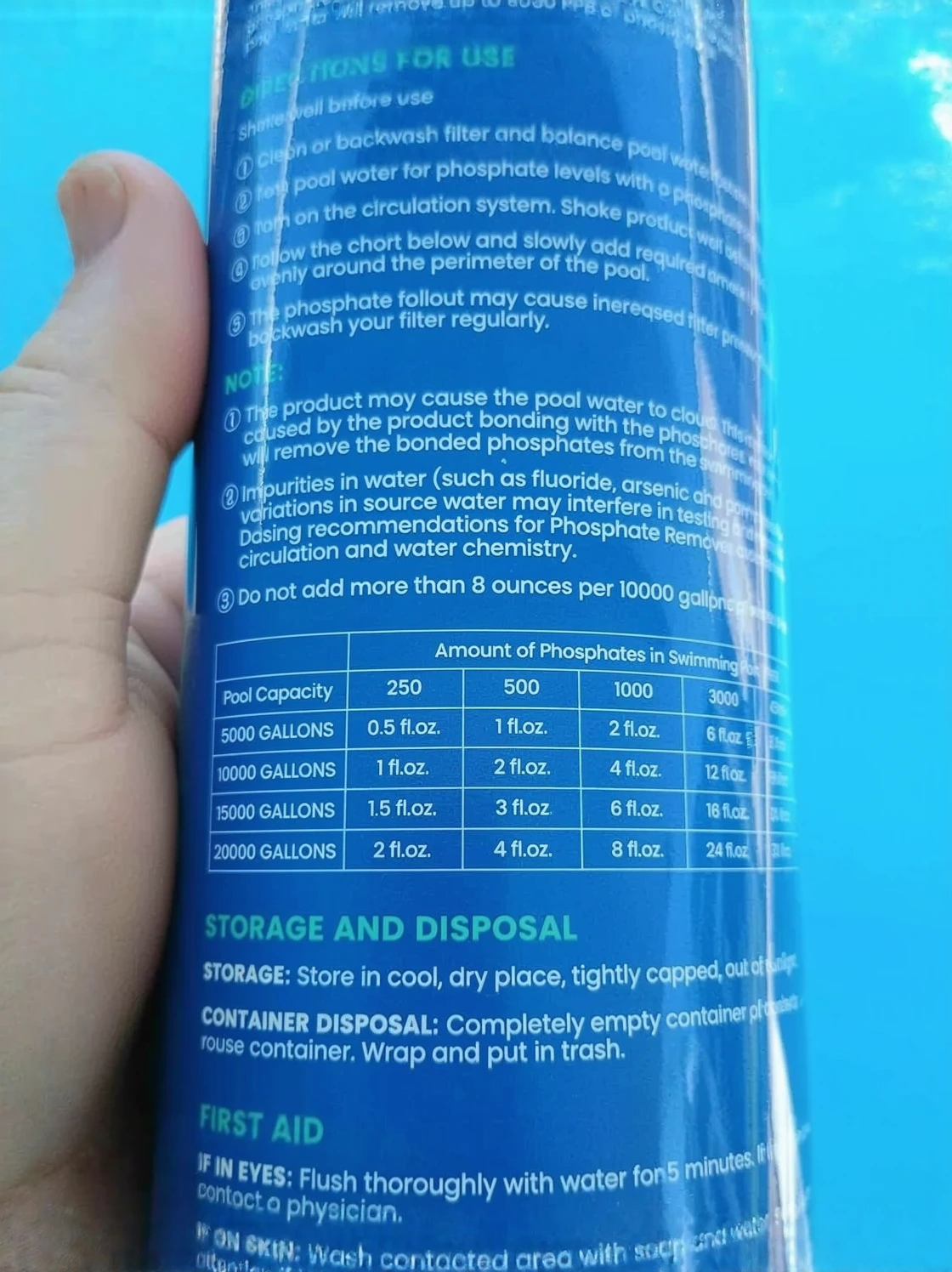
Natural Chemistry Phosfree (3L)
I stopped buying algaecide in bulk once I addressed the phosphate feeding it.
Check Price on Amazon →